
离线 · 无上传 · 浏览器本地完成Offline · no uploads · runs in the browser
Markdown 转换:全部可用目标Markdown conversions: every available target
Markdown 是这组路线里最像「源文件」的格式:它只有结构,没有版式。所以每条出路的差别不在能不能转,而在目标格式肯不肯接住这些结构——Word 与 HTML 会保留标题、列表与表格,PDF 与图片只留下渲染后的样子,表格数据则要求文档里真的有一张表。Markdown is the closest thing here to a source file: it carries structure, not layout. The routes therefore differ less in whether they work than in what the target is willing to keep — Word and HTML keep headings, lists and tables, PDF and images keep only the rendered look, and spreadsheet targets require the document to actually contain a table.
全部可用目标Every available target
-
HTMLHTML 1 步1 step
MarkdownMarkdown HTMLHTML
浏览器本地把 .md 渲染成可直接双击打开的完整 HTML:GFM 表格与任务列表可用,样式内联,脚本与事件属性在净化阶段移除。Render .md into a complete, double-clickable HTML document locally: GFM tables and task lists work, styles are inlined, scripts and event attributes removed.
-
Word (.docx)Word (.docx) 2 步2 steps
MarkdownMarkdown HTMLHTML Word (.docx)Word (.docx)
在浏览器本地把 .md 转成 .docx:标题层级、列表、表格、代码块写成真实 Word 段落,不是截图。批量、可预览、零网络请求。Convert .md to .docx in your browser: headings, lists, tables and code become real Word paragraphs, not a screenshot. Batch, previewable, zero requests.
-
PDFPDF 2 步2 steps
MarkdownMarkdown HTMLHTML PDFPDF
Markdown → HTML → PDF,本地按 A4 逐页切片成图像型 PDF。好处是哪台机器打开都一样,代价是没有文字层、不可选中检索。Markdown → HTML → PDF, sliced page by page onto A4 locally. It looks identical everywhere; the price is no text layer, so nothing is selectable or searchable.
-
Excel (.xlsx)Excel (.xlsx) 4 步4 steps
MarkdownMarkdown HTMLHTML JSONJSON CSVCSV Excel (.xlsx)Excel (.xlsx)
Markdown 表格经 HTML、JSON、CSV 三步落进一张工作表:15 位以内的数字变可求和,`00424`、日期串和 16 位以上的账号保持原字符,`=` 开头加护栏。全程离线。A GFM table lands in a worksheet via JSON and CSV: numbers become summable, 00424 and 16-digit IDs stay text, and a leading = is disarmed. Offline.
-
CSVCSV 3 步3 steps
MarkdownMarkdown HTMLHTML JSONJSON CSVCSV
把文档里的管道表变成能再计算的 CSV:首行当列名,其余行当记录,数字按值写出不被显示格式改写,文件带 BOM 让 Excel 直接双击不乱码。A pipe table becomes a CSV you can compute on: first row as column names, values written as values, and a BOM so Excel opens the file without mojibake.
-
纯文本 (TXT)plain text (TXT) 2 步2 steps
MarkdownMarkdown HTMLHTML 纯文本 (TXT)plain text (TXT)
去掉记号、留下阅读顺序:标题变成一行文字,链接把地址附在文字后,列表按位置重新编号。全程离线,不经过服务器。Strip the markup: headings become lines, links keep their URL after the text, and ordered lists are renumbered. Offline — nothing is uploaded.
-
JSONJSON 2 步2 steps
MarkdownMarkdown HTMLHTML JSONJSON
把 Markdown 表格变成对象数组:表头行给出键名,两张以上按 `##` 小标题分组,没有表格时读代码块。全程离线,不请求图片与脚本。Turn Markdown tables into objects: the GFM header row supplies keys, and several tables group under their `##` headings. Offline, no uploads.
-
PNGPNG 2 步2 steps
MarkdownMarkdown HTMLHTML PNGPNG
Markdown 先按 GFM 渲染成带样式的 HTML,再无损截成一张长图:表格有条纹、行内 SVG 图形保留。高度超过 32768 px 会报错而不是截断。GFM renders to styled HTML, then the page is captured losslessly: striped tables and inline SVG diagrams survive the trip. Past 32768 px it fails, not trims.
-
JPEGJPEG 3 步3 steps
MarkdownMarkdown HTMLHTML PDFPDF JPEGJPEG
Markdown 先按 GFM 渲染成带样式的 HTML,再整篇渲染一次、按 A4 切片存无损页面,逐页编码成 JPEG;多页打包成 ZIP。全程离线。GFM renders to styled HTML first, then the document is captured once, sliced into lossless A4 pages and encoded JPEG by JPEG, zipped when there are several.
-
WebPWebP 3 步3 steps
MarkdownMarkdown HTMLHTML PDFPDF WebPWebP
Markdown 先按 GFM 渲染成带样式的 HTML,再整篇渲染一次、按 A4 切成无损片段,逐页编码成 WebP;多页打包 ZIP。全程离线。GFM renders to styled HTML first, then the document is captured once, sliced into lossless A4 pages and encoded WebP page by page, a ZIP when several.
这个来源格式的共同限制What holds for every target from this source
- 源文件先按 BOM / NUL 识别 UTF-16,再按 UTF-8 → GB18030 → GBK 依次解码;四种都不成立时报解码失败,不产出乱码文件Input is decoded UTF-16 (by BOM or NUL spacing), then UTF-8 → GB18030 → GBK; if none of the four works the route reports a decode failure instead of writing mojibake
- HTML 之外的格式只能看到渲染结果或表格结构:CSS 版式、脚注、mermaid 图与自定义语法会被降级或丢弃Every target except HTML sees either the rendered result or the table structure, so CSS layout, footnotes, mermaid diagrams and custom syntax are flattened or dropped
- 指向 http(s) 的图片在渲染或打包前被剥掉;相对路径的图片只有在同一批次里也选入那个文件时才有字节可用http(s) images are stripped before rendering or packing; a relative image only has bytes when that file is part of the same batch
- 一整批文件共用一个目标格式;混合格式批次只提供对所有文件都成立的目标One target format applies to the whole batch; a mixed-format batch only offers targets that work for every file in it
常见问题Questions people actually ask
Markdown 转 PDF 后还能选中文字吗?Is the text in a Markdown to PDF result selectable?
不能。这条路线先把 Markdown 渲染成 HTML,再整页拍成图像切片写入 PDF,所以 PDF 里是页面图像,不是文字层。要可编辑的文档请选 Word;要能被搜索的文字请选 HTML 或 TXT。No. The route renders Markdown to HTML and slices that rendering into page images, so the PDF holds pictures of pages rather than a text layer. Choose Word for an editable document, or HTML/TXT when the text itself has to stay searchable.
为什么 Markdown 转 Excel 要求文档里有表格?Why does Markdown to Excel need a table in the document?
Excel 的每一格都要求行列坐标,而标题和段落没有坐标。转换器先找 Markdown 表格(或一段能被当作 JSON 数组读的代码块),找不到就报错,而不是交出一张空表。Every Excel cell needs a row and a column, and a heading or paragraph has neither. The converter looks for a Markdown table, or a code block that parses as a JSON array, and fails when there is none rather than handing back an empty sheet.
链接和图片会跟着走吗?Do links and images travel with the result?
链接会:HTML 与 Word 保留可点击的地址,TXT 会把地址附在链接文字后面。图片分两种:data URI 内嵌的会跟着走;指向网络或相邻路径的取不到字节,渲染类目标会按张数披露。Links do: HTML and Word keep clickable addresses, and TXT appends the address after the link text. Images depend on where the bytes are — embedded data URIs travel, while network or sibling-path references have no bytes and rendering targets count them in the drop disclosure.
一次能转多少个文件?How many files can one batch hold?
最多 200 个文件,单个文件上限 100 MB;超过 5 个文件或 20 MB 的批次会先弹确认。每个文件独立执行路线,一个失败不会阻断其余文件。Up to 200 files and 100 MB per file; a batch over five files or 20 MB asks for confirmation first. Each file walks the route on its own, so one failure does not stop the rest.
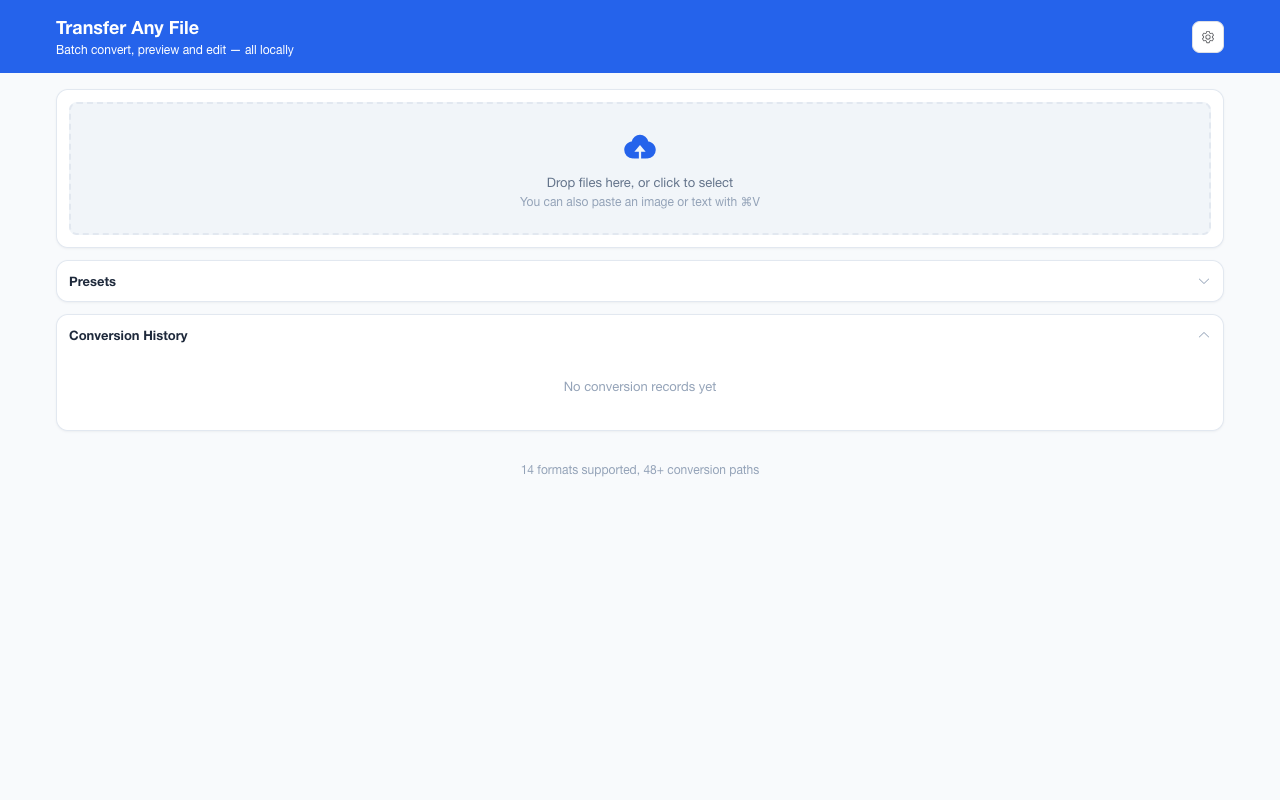
不需要账号,也不需要联网:装好扩展后点图标,在新标签页里打开工作台,文件从磁盘直接选。No account and no network: install the extension, click its icon, and the workbench opens in a new tab reading straight off your disk.
从 Chrome 应用商店安装Install from the Chrome Web Store 安装步骤Install steps GitHub 源码Source on GitHub
最后更新 2026-10-21Last updated: 2026-10-21