
离线 · 无上传 · 浏览器本地完成Offline · no uploads · runs in the browser
BMP 转 JPEG——本地一次编码,质量与目标体积可控BMP to JPEG locally — quality and target size you set
从 BMP 到 JPEG 是这条产品线上体积落差最大的一条:源几乎没压缩,目标是有损压缩,所以"降一两个数量级"很正常。但落差来自两个方向——一部分是压缩,一部分是丢掉的信息。设了目标体积时顺序是先沿质量阶梯往下试,质量到底了才开始缩边,所以目标是被追的天花板,够不着时你拿到的是当前能做到的最小结果,而不是一次失败。BMP to JPEG has the biggest size gap on this product line: the source is barely compressed and the target is lossy, so dropping one or two orders of magnitude is normal. But the gap comes from two places — some of it compression, some of it information actually discarded. With a target size set, the encoder walks the quality ladder first and only starts giving up pixels once quality has bottomed out, so the target is a chased ceiling and an unreachable one returns the smallest result rather than a failure.
这条链路怎么走How the route runs
BMPBMP JPEGJPEG
共 1 步,由扩展的路径搜索自动选出,中间产物不落盘。1 step, chosen by the extension's own path search; intermediate results never touch the disk.
会保留什么What carries over
- 像素尺寸按你设的来:不设最长边就原尺寸编码(超过 8192 px 一边时先等比缩到画布可承受)Pixel size as you set it: with no longest edge specified the image encodes at full size (past 8192 px on an edge it scales down to what the canvas can allocate first)
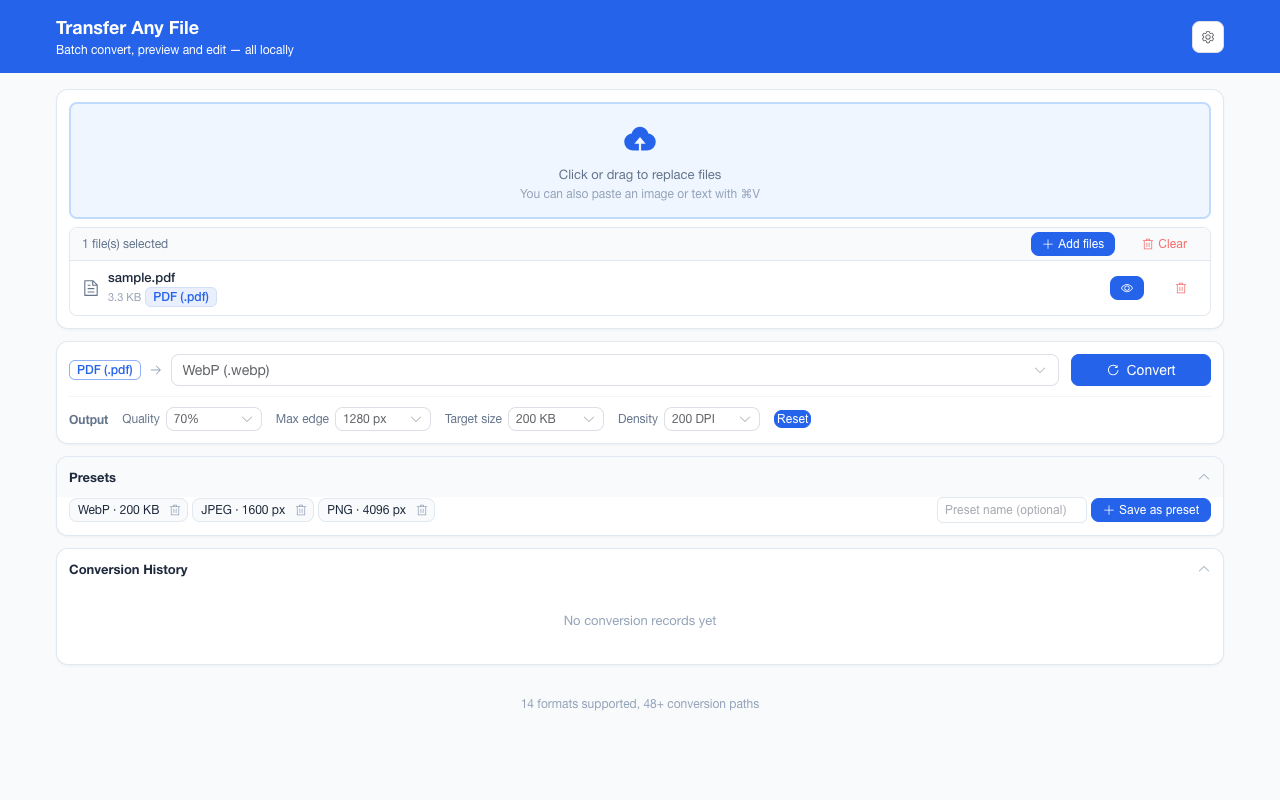
- 质量档 40%–90% 与目标体积 20 KB–2 MB,只在链路末尾这次编码生效,中间步骤不吃这两个参数Quality steps of 40%–90% and target sizes of 20 KB–2 MB act only at this final encode — intermediate steps ignore both
- 颜色按 sRGB 观感编码:BMP 的 24 位真彩与 32 位 RGBA 都能进 JPEG(后者会被压平到白底)Colour encodes in sRGB terms: both 24-bit and 32-bit BMPs reach JPEG (the latter flattened onto white, since JPEG has no alpha)
- 一批最多 200 张、单个文件 100 MB 上限,结果可一次打包成 ZIP;单个文件失败只报该文件Up to 200 images per batch with a 100 MB per-file ceiling, one ZIP for the lot, and one bad file reporting only itself
如实说明的限制What it does not do
- 有损:细小文字、单像素线条、锐利边界的色带是第一批代价;要无损请用 BMP → PNGLossy: small type, single-pixel lines and hard colour transitions pay first — take BMP to PNG when losslessness matters
- 透明不保留:编码前每帧先铺白底,所以 32 位 BMP 的 Alpha 会变成白色区域Transparency does not survive: every frame is painted white before encoding, so a 32-bit BMP’s alpha becomes white areas
- 调色板 BMP 的"索引"概念消失:产物是逐像素的 JPEG,不再有任何调色板结构The palette notion disappears: the result is per-pixel JPEG with no indexed structure left
- BMP 尾部附加字段(ICC 等)不参与解码,也不写进 JPEGTrailing BMP fields such as ICC profiles take no part in decoding and are not written into the JPEG either
- 方向不可逆:浏览器不提供 BMP 编码器,所以 JPEG → BMP 不存在;BMP 在本项目里只能作为输入The direction is one-way: no browser ships a BMP encoder, so JPEG → BMP does not exist — BMP is input-only in this project
实操提示Working with it
- 三个可写图片格式里:JPEG 胜在"任何设备都打得开",WebP 胜在体积,PNG 胜在无损与透明Among the three writable image formats: JPEG wins on "opens anywhere", WebP on size, PNG on losslessness and transparency
- 如果 BMP 大得只是为了传给别人,先试"目标体积 200 KB + 质量 70%"这组起点,再按结果调If the BMP is only big because it has to travel, start from a target size of 200 KB with quality at 70% and adjust from what you get back
- 输出参数一次设置会被记住,同一批所有图片共用同一套The output parameters are set once, remembered, and shared by every image in the batch
常见问题Questions people actually ask
为什么文字边缘出现了一圈噪点?Why is there ringing around the edges of text?
那是有损编码在锐利边界上的典型代价,JPEG 尤其明显。解决办法按代价从小到大:提高质量档、改走 BMP → PNG(无损)、或者把图缩到实际显示尺寸再编。That is the classic cost of a lossy encode on a hard edge, and JPEG shows it most. The fixes, cheapest first: raise the quality step, take the lossless BMP → PNG route, or resize the image to the size it will actually display at before encoding.
设了目标体积,为什么产物还是比它大?I set a target size — why is the result still bigger?
因为质量阶梯走完、像素也缩到位之后,剩下的是编码器做到的最小结果。转换不会失败,也不会为了达标把图砍坏——它把实际结果给你,卡片上写的是真实字节数。Because once the quality ladder is walked and the pixels have shrunk, what remains is the smallest thing the encoder can make. The conversion does not fail, and it will not mangle the picture to hit the number — you get the real result, and the card reports its actual byte count.
透明的 BMP 转成 JPEG 后为什么是白的?Why did my transparent BMP come out white?
JPEG 没有 Alpha 通道,所以编码前会把画布铺白再画。需要保留透明请选 PNG 或 WebP——它们是这条产品线上唯二能带透明的可写格式。JPEG carries no alpha channel, so the canvas is painted white before the image is drawn. Where transparency must survive, choose PNG or WebP — the only two writable formats here that can carry it.
不需要账号,也不需要联网:装好扩展后点图标,在新标签页里打开工作台,文件从磁盘直接选。No account and no network: install the extension, click its icon, and the workbench opens in a new tab reading straight off your disk.
从 Chrome 应用商店安装Install from the Chrome Web Store 安装步骤Install steps GitHub 源码Source on GitHub
要把它压到指定体积?Need it under a target size? The 图片压缩工具image compressor可以在浏览器里重编码 PNG / JPEG / WebP。 re-encodes PNG / JPEG / WebP in the browser.