TOTP 2FA: How It Works and Where to Store It
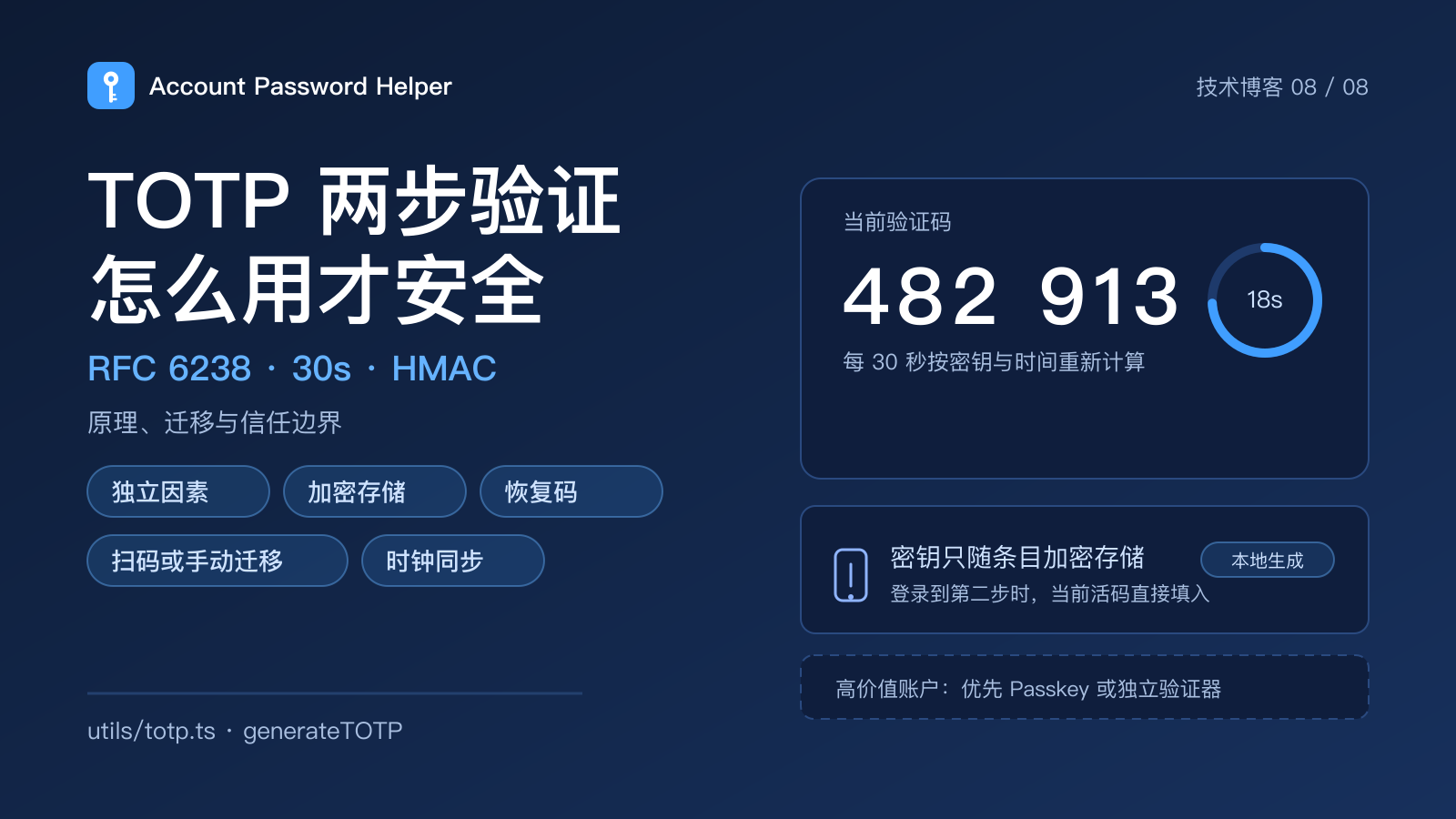
Many login pages add one more step after the password: open the phone, find the entry, copy six digits, wait for the code to refresh. That six-digit code is usually TOTP, a time-based one-time password. It is more reliable than SMS, and it is often misunderstood as "absolute security".
This post covers three things: what TOTP actually computes, whether putting it in a password manager is a good trade-off, and the migration mistakes to avoid.
What TOTP computes
TOTP is defined by RFC 6238. When you enroll in two-step verification, the service generates a shared secret and gives it to you, usually as a QR code or a text string. On every login:
- The client and the server both take that shared secret;
- They add the current time window (30 seconds by default) as a counter;
- They run an HMAC and truncate the result into six digits;
- The server compares the result, allowing a small clock drift.
The code is not random. It is a deterministic result of secret + time. It needs no network and no SMS; as long as both clocks are close, both sides compute the same code.
TOTP vs SMS vs passkeys
- SMS codes depend on the carrier network and are exposed to SIM swaps, interception and number recycling. They are weaker than TOTP.
- TOTP does not depend on the carrier and works offline. It is clearly better than SMS, but it is still a code that can be phished: a fake login page can ask for it and relay it in real time.
- Passkeys / hardware security keys bind to the site origin and resist most phishing. They are the stronger direction, but not every site supports them yet.
TOTP is a practical second factor today, not the final answer. For high-value accounts, prefer a passkey or hardware key where available.
TOTP inside a password manager: convenience and risk
Keeping TOTP with the password removes the context switch: after filling the password, the current code is right there. For developers and QA engineers logging into many admin panels, that is a real improvement.
Be clear about the risk:
- If the vault is compromised while unlocked, an attacker may get both the password and the TOTP secret, collapsing two factors into one;
- For banking, payments, primary email and cloud root accounts, keep TOTP in a separate authenticator or hardware key;
- For development, test and ordinary community accounts, keeping TOTP with the password is a reasonable convenience trade-off;
- Wherever it lives, the TOTP secret must be encrypted at rest, never stored as plaintext.
Account Password Helper stores the TOTP secret as a separate encrypted field alongside the username, password, URL and remark; codes are generated locally per RFC 6238 and can be filled at the second login step. It is designed for convenient management of everyday and multi-environment accounts, not as the only vault for banking or payment credentials.
Migrating TOTP secrets
There are usually three ways to move from a phone authenticator to another tool:
- Scan a QR code from the old tool or the service;
- Enter the Base32 secret manually, together with the account name, issuer and algorithm parameters;
- Export/import where supported; remember that the export file itself is highly sensitive.
A safe migration order:
- Test with a low-risk account first and confirm the new tool's code can sign in;
- Make sure the device clock is synced automatically; drift makes every code fail;
- Keep the old authenticator for a while after migrating, then remove it;
- Save the service's one-time recovery codes in an offline safe place;
- If you suspect the secret leaked, reset two-step verification on the service, not just delete the old app.
Never send TOTP QR codes, secret screenshots or recovery codes through chat. They are credentials that can generate valid codes.
How TOTP works inside a browser extension
In Account Password Helper:
- The secret is encrypted with the entry and readable only while the session is unlocked;
- Codes are computed locally with Web Crypto / RFC 6238 logic, without network requests;
- On a two-step login page, the content script recognizes the code field and the side panel or in-page pill offers the live code;
- Copying a code follows the same timed clipboard clearing as other copies, reducing the risk of screenshots or accidental pastes.
A browser extension runs inside your browser; it cannot defend against a compromised operating system, a malicious extension or a shared screen. Before screen sharing or remote support, make sure the code page is out of the shared area.
Checklist
- Prefer passkeys or hardware keys for high-value accounts; keep TOTP for compatibility;
- TOTP secrets are encrypted and unreadable while locked;
- The device clock syncs automatically and codes pass reliably;
- Recovery codes are stored before migration; the old authenticator stays for a while;
- QR codes, secrets and codes are never exposed in chat, screenshots or shared screens;
- Suspected leaks are reset on the service, not just deleted locally.
The value of TOTP is an independent second factor, not an absolute wall. Understanding how it computes and where the trust boundary sits keeps the convenience in your workflow and the risk within a range you control.
For the local encryption and key-management details, read Web Crypto in practice. If your daily logins need built-in TOTP and one-click fill, try Account Password Helper.